- - Software & Solutions for
Excel to AutoCAD
- /
- Excel to MicroStation


Fully import Excel worksheets into AutoCAD / MicroStation and keep them updated easily.
Buy Now
AutoCAD Excel
AutoTableDXF exports the Excel worksheets / spreadsheets to the DXF files. Then you can import the DXF files into Revit or AutoCAD.
Easily import Microsoft Word documents into AutoCAD / MicroStation and keep them updated.
Easily export the table from AutoCAD / MicroStation to Excel and convert the table drawn with lines and text to the AutoCAD native table.
Link / Import / Insert AutoCAD attributes and block references from Excel spreadsheet.
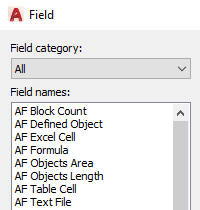
Add many efficient fields to AutoCAD. You can import a specific cell of the Excel file or a text format file as a field. Also you can count block or calculate the area and length of multiple objects as a field.
Link the AutoCAD table cells or Excel cells to AutoCAD constraint parameters.
Freeware Resources
|
 Home > Count Blocks, Link Excel Cells, Calculate Area & Length Fields for AutoCAD - AutoField

Introduction AutoCAD Field can be inserted in any kind of text (except tolerances) in AutoCAD, including text in table cells, attributes, and attribute definitions. AutoField adds many efficient fields to AutoCAD. You can import the cells of Excel spread sheet as fields or attributes. And you can use field to count blocks (including AutoCAD dynamic blocks) or calculate the area and length of multiple objects. Also you can create the field based on a specific cell of AutoCAD native table and reference mtext, text or attribute of another drawing. With AutoField, you can use some Excel functions in AutoCAD fields. For example, IF, ROUND, ROUNDUP, ROUNDDOWN, etc.
After you insert the fields, the field functions of AutoCAD can keep them updated. Note: Before updating the Excel cell fields or the text file fields, you need to save the corresponding Excel file or text file.
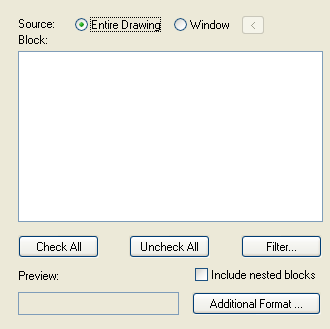
Block Count Field
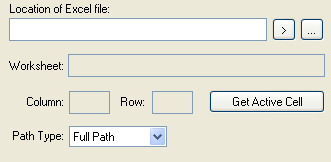
Excel Cell Field
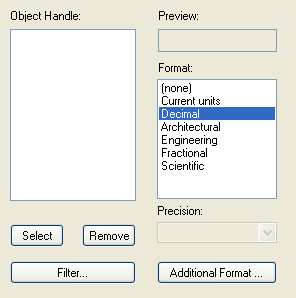
Area Field for Multiple Objects
Length Field for Multiple Objects
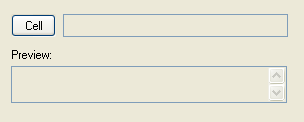
Table Cell Field
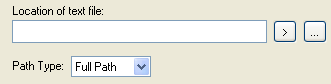
Text File Field
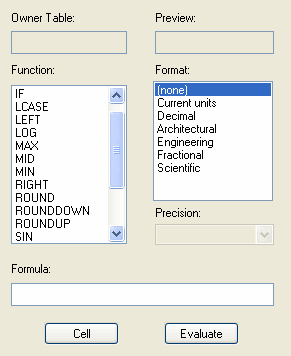
Excel Function Formula Field
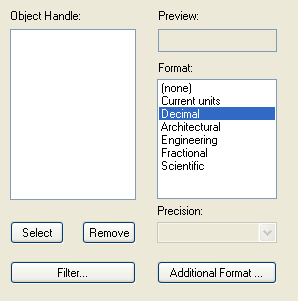
Defined Object Field
AutoCAD Platforms
|